Cursor Flux
Downloadable Content

About this game
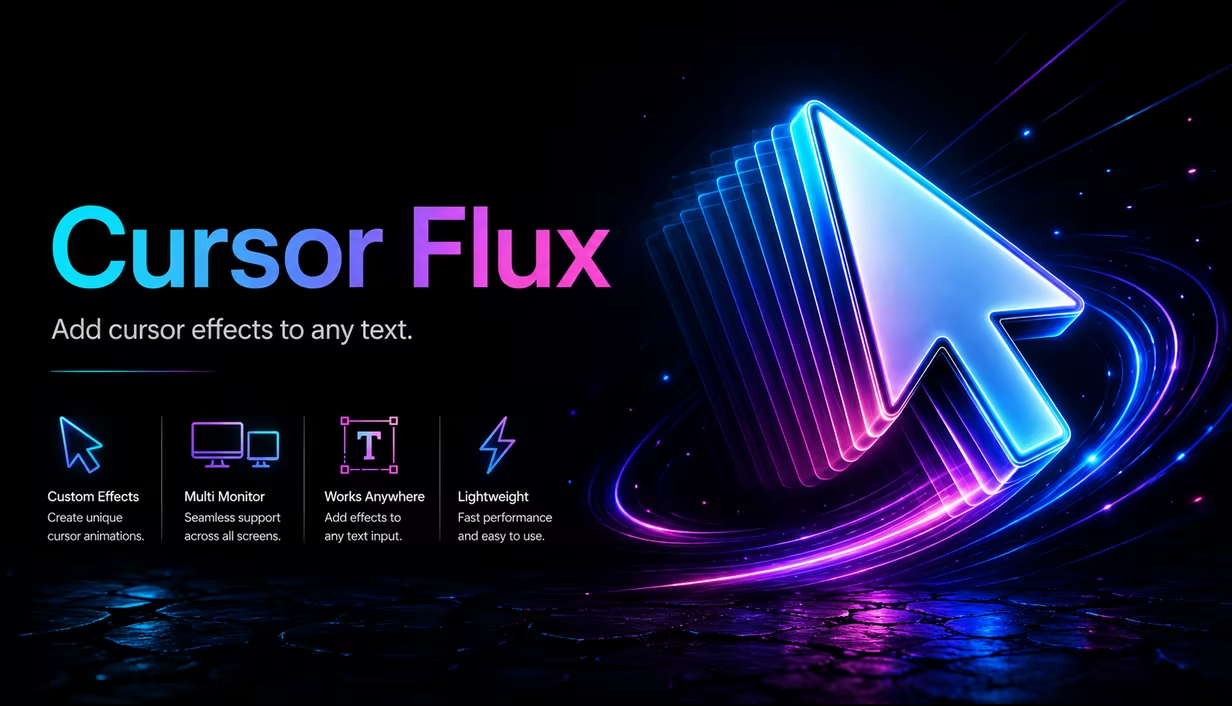
Cursor Flux transforms your Windows cursor with 3D effects and motion blur, giving you a custom visual style without changing core gameplay or workflow.
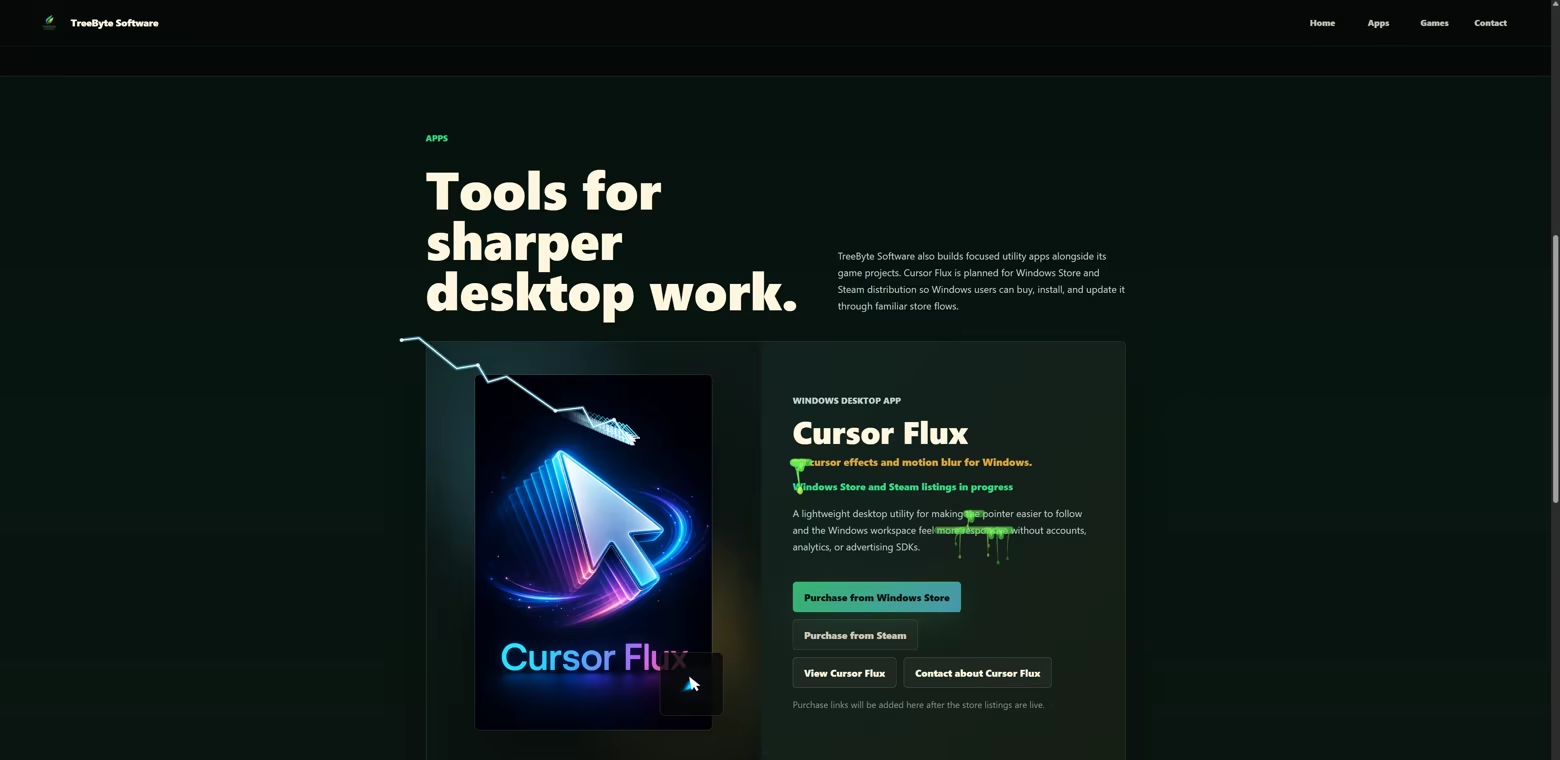
Customize the most visible part of your PC
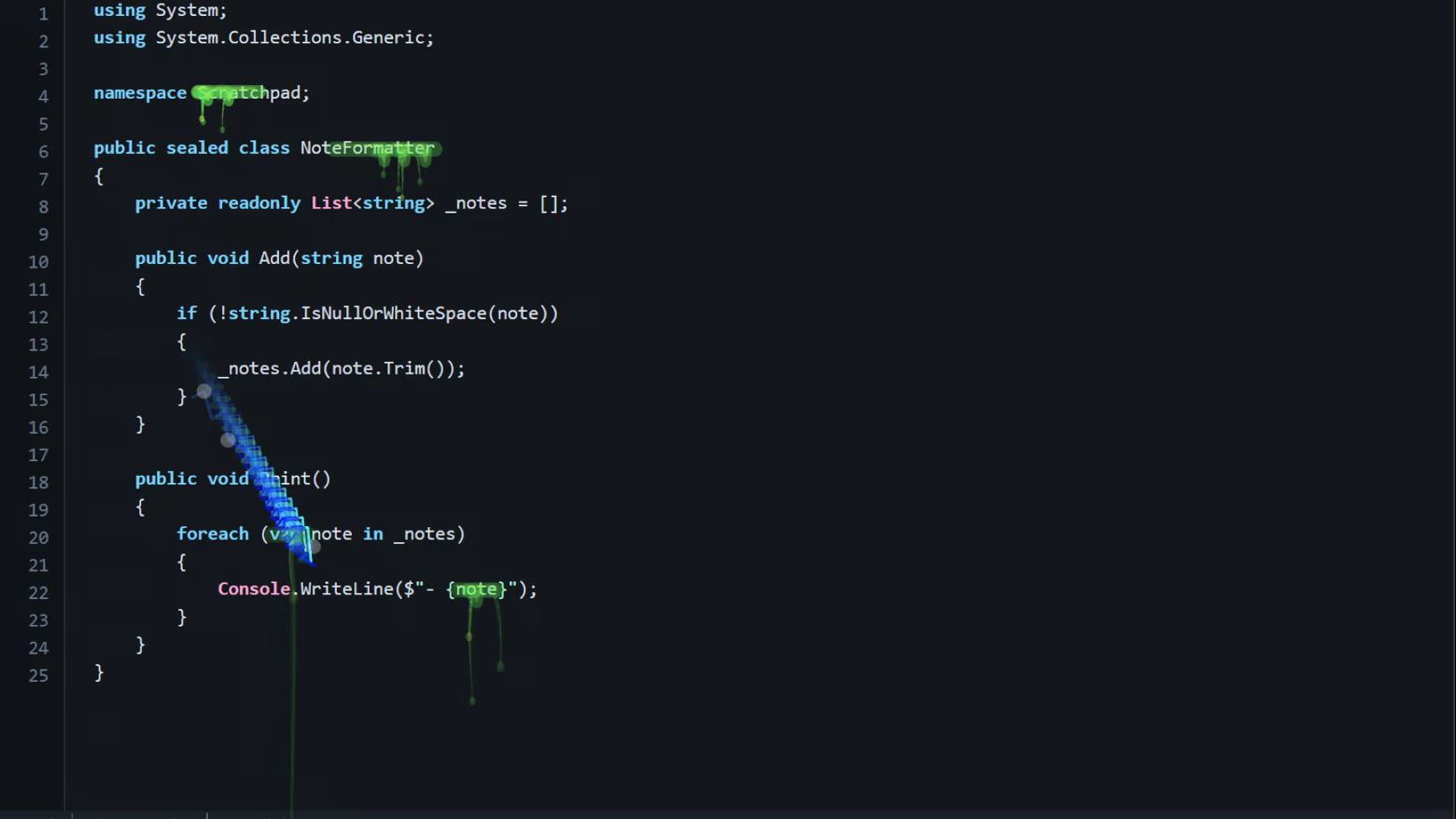
Cursor Flux turns your everyday mouse cursor into a living desktop effect, with motion blur, glow, particles, aura trails, streaks, color themes, and stylized cursor visuals you can tune in a few clicks.

Key Features
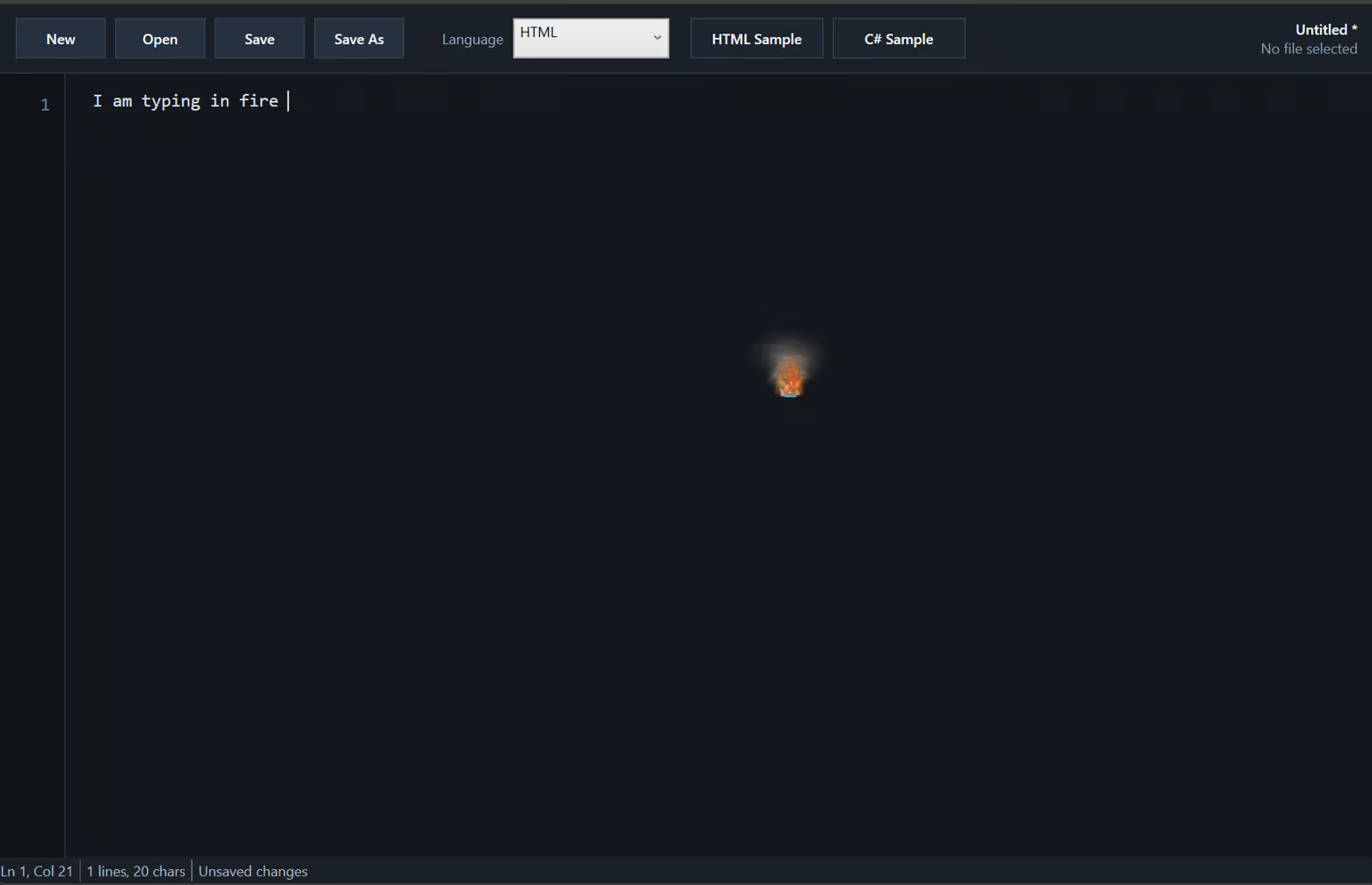
Make Your Cursor Feel Alive - Add motion blur, glow, aura, sheen, streaks, particles, and bold visual effects to your desktop cursor.
From Subtle to Wild - Use clean focus mode effects for everyday work, or switch to neon, magic, and high energy cursor visuals when you want your desktop to stand out.
Deep Customization - Adjust blur strength, trail length, blur radius, opacity, color themes, cursor styles, particles, glow, and effect intensity.
Quick Presets - Pick a look fast, then fine tune it until your cursor feels right for your setup.
Multiple Cursor Styles - Switch between different cursor looks and visual themes without digging through complicated setup steps.
Designed for Daily Use - Includes tray support, start with Windows, optional system cursor fallback, and fullscreen app pause.
Built for Real Desktop Use - Cursor Flux is made to enhance your desktop without trying to take over your PC.
Not Vibe Coded - Designed, developed, tested, and tuned by an experienced developer instead of blindly generated and shipped.
Install Cursor Flux, choose a style, and make your cursor feel like it belongs to your setup.
Smooth Cursor Effects for Windows
Cursor Flux makes your Windows cursor look great with smooth 3D motion, blur, glow, particles, and trail effects. You can change presets and fine tune trail length, blur amount, opacity, colors, and cursor style in a few clicks. Use a clean look for work, or switch to a bold style when you want more visual flair. It stays in the tray, opens quickly from options, and can pause in fullscreen apps so your setup stays out of the way. Install it, pick your vibe, and keep using your mouse like normal.
See Cursor Flux in Motion