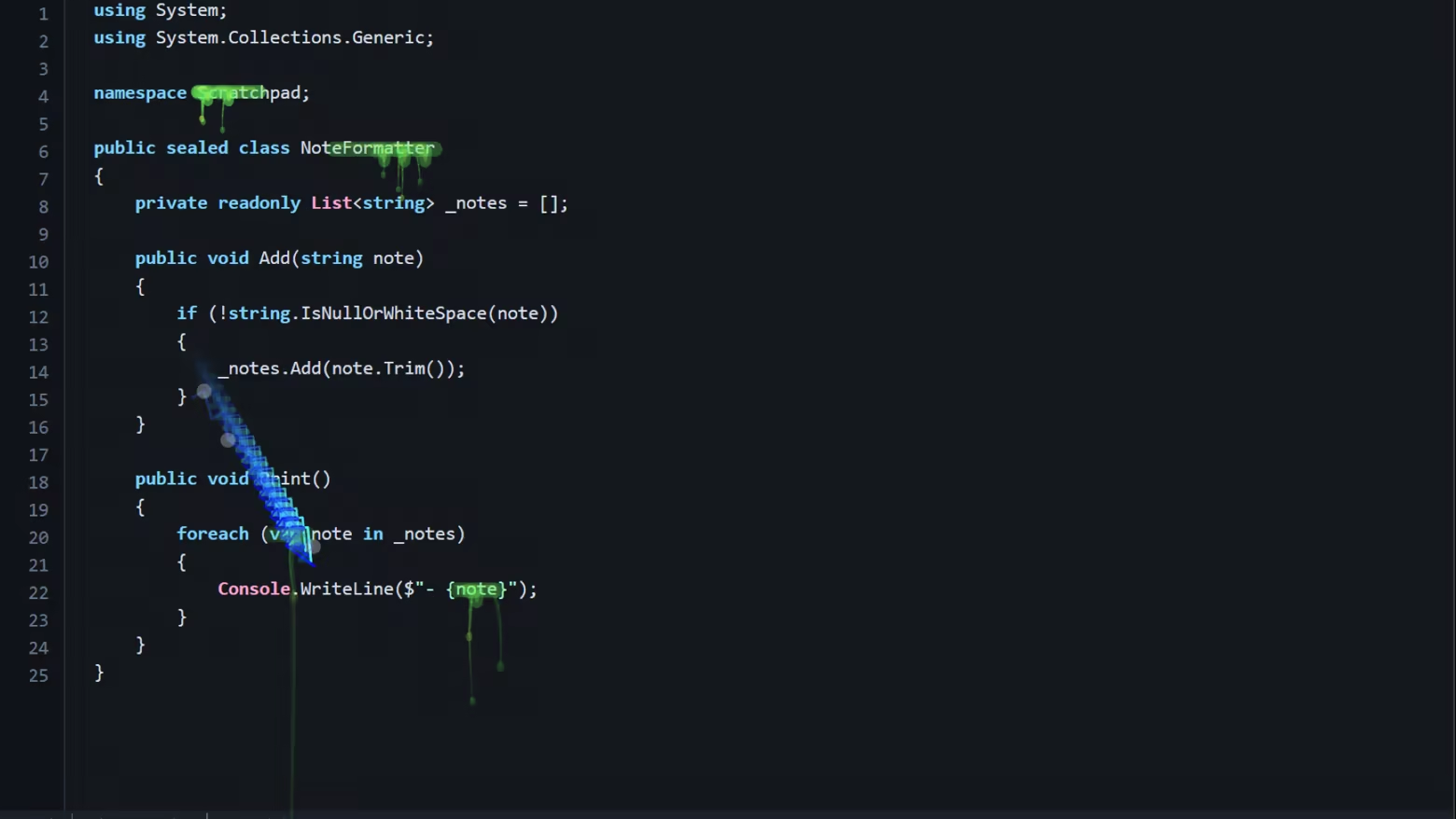
Cursor Flux Demo
About this game
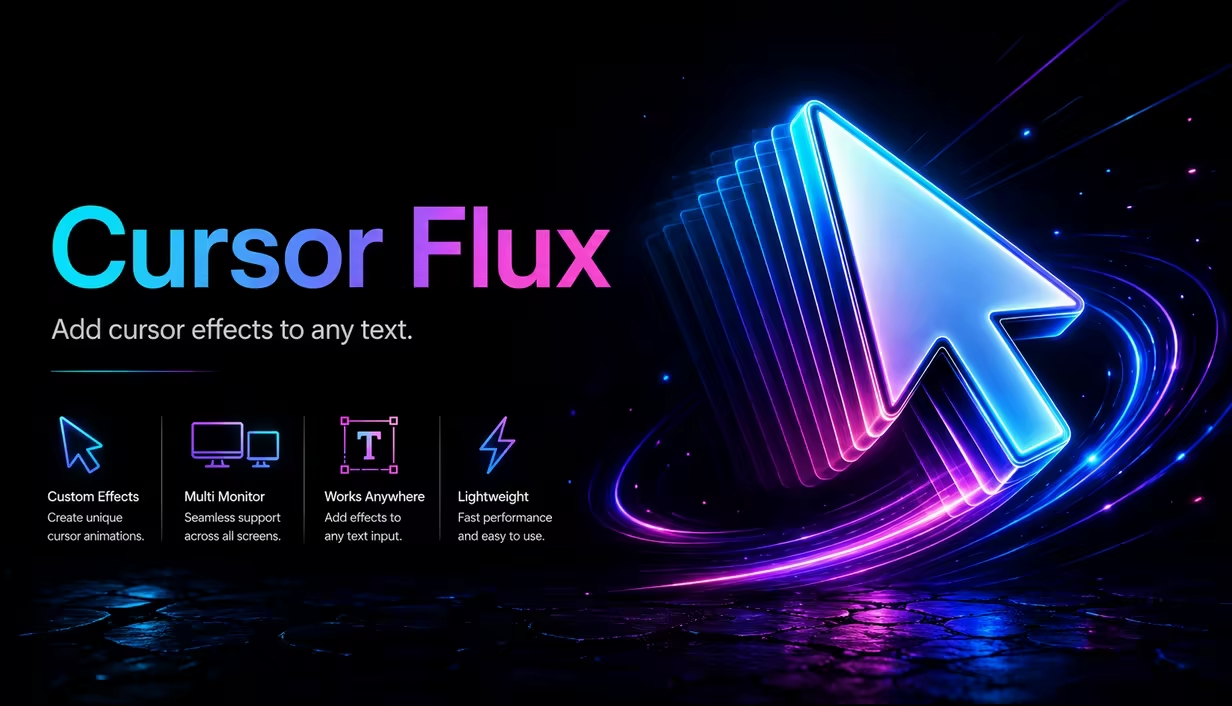
Cursor Flux transforms your Windows cursor with 3D effects and motion blur, giving you a custom visual style without changing core gameplay or workflow.
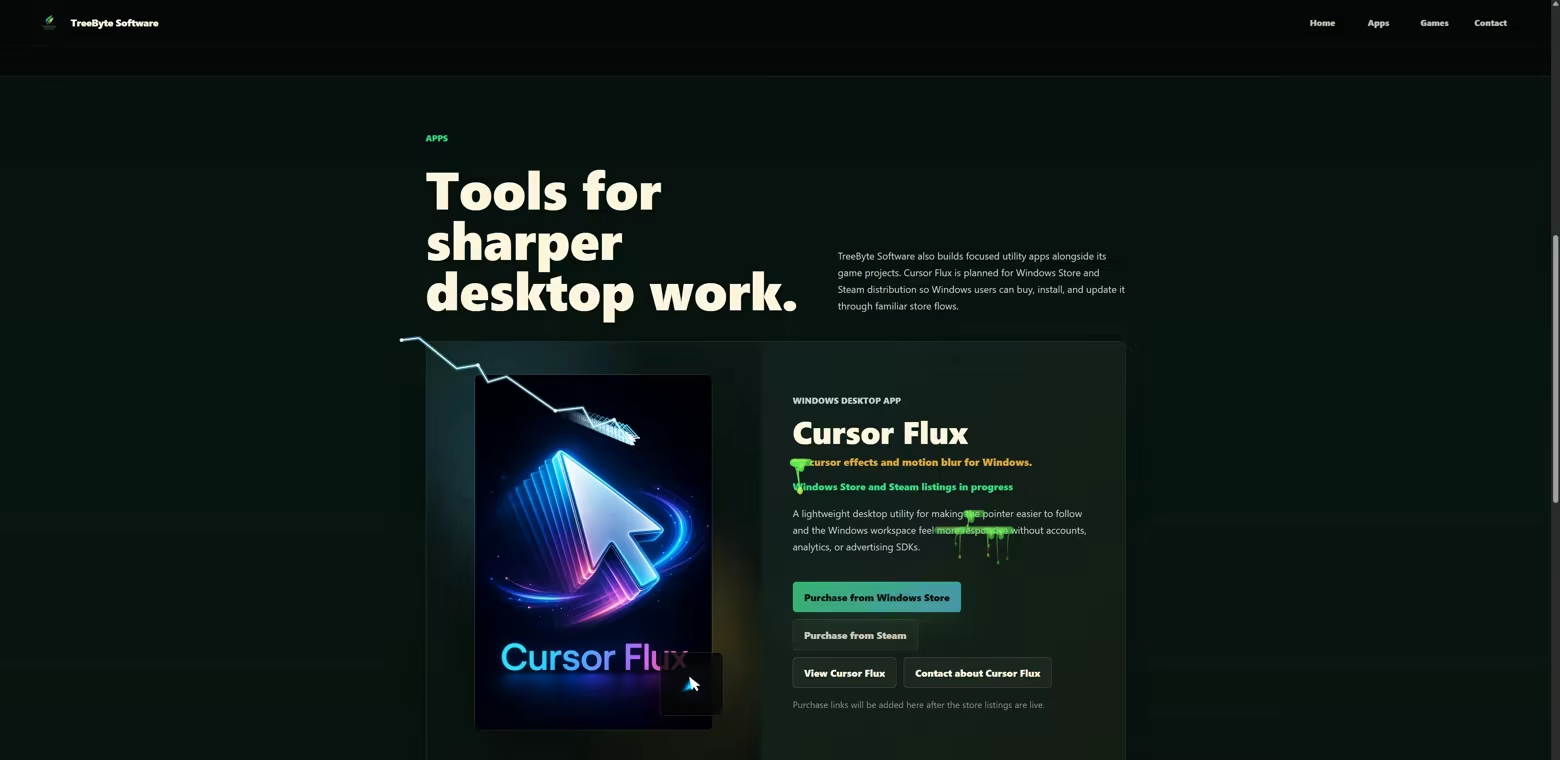
Customize your cursor with:
- Motion blur presets and strength
- Blur radius, trail length, and opacity control
- Aura, sheen, streak, particle, and glow effects
- Multiple cursor styles and color themes
- Optional system cursor fallback and fullscreen app pause
- Start with Windows and tray support for quick access
Install, tune your look in a few clicks, and switch between subtle focus-mode effects and bold cursor visuals.
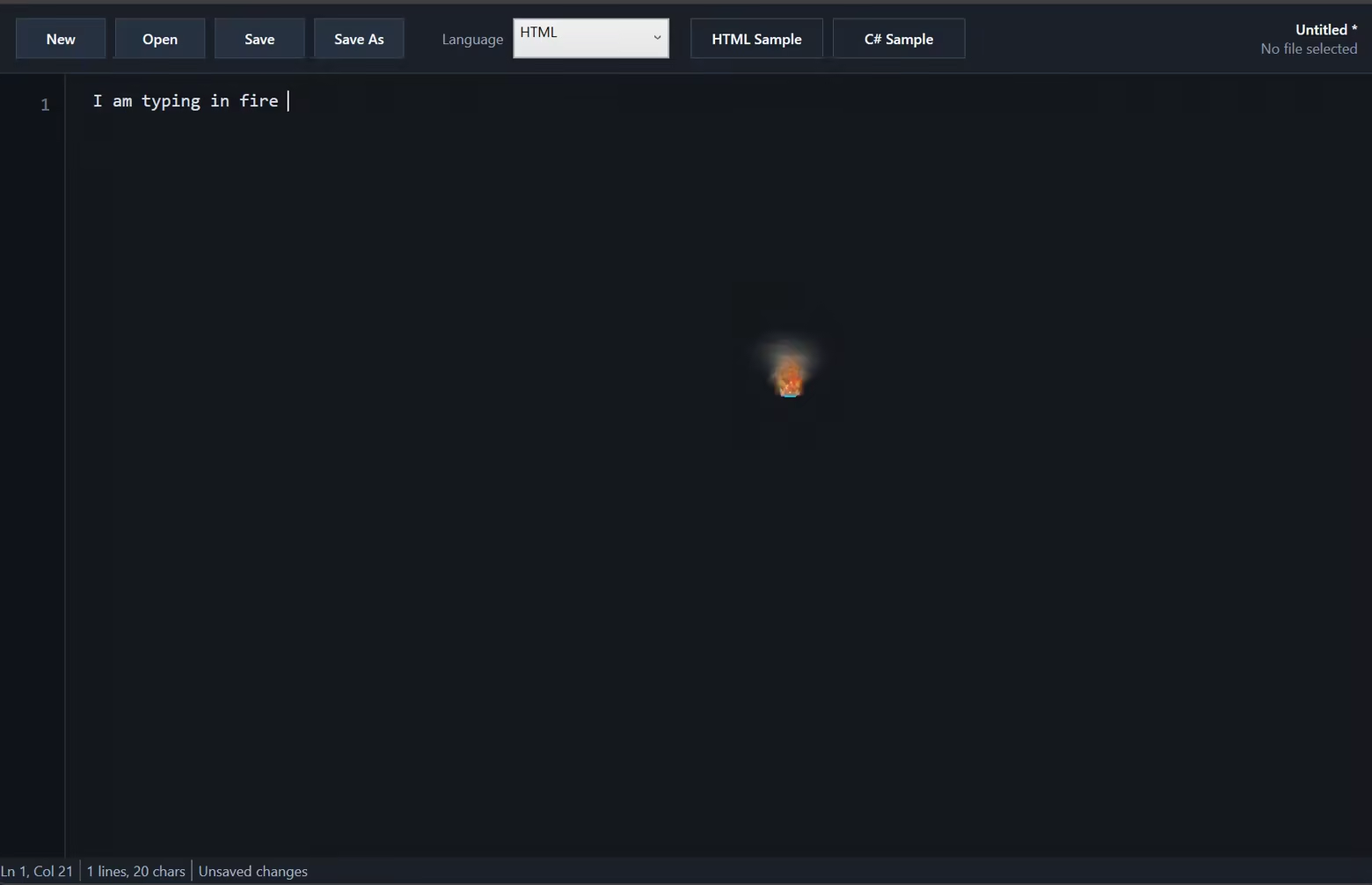
Cursor Flux makes your Windows cursor look great with smooth 3D motion, blur, glow, particles, and trail effects. You can change presets and fine tune trail length, blur amount, opacity, colors, and cursor style in a few clicks. Use a clean look for work, or switch to a bold style when you want more visual flair. It stays in the tray, opens quickly from options, and can pause in fullscreen apps so your setup stays out of the way. Install it, pick your vibe, and keep using your mouse like normal.