SLIME WATCH
About this game

SLIME WATCH is an advanced overlay utility for [ SteamVR (OpenVR) ] that bridges the gap between your PC and your VR space.
View and control your windows, desktop, and tools directly inside VR —without taking off your headset.

In-game Multitasking : Discord, Twitch, guides, YouTube, chat, dashboards—always visible in VR.
VR Productivity : build a VR workspace (dev, modding, monitoring).
Streaming : keep an eye on OBS and stream tools without breaking immersion.

Desktop & window overlays : capture a screen or a specific window, duplicate, crop, opacity/brightness, lock.
Flexible placement : attach to the world, headset (HMD), controllers, or SteamVR dashboard space.
VR interaction : pointer/laser, click, scroll, drag + configurable actions.
VR keyboard : VR typing + configurable/editable layouts.
Profiles : save/load setups + per-app profiles (auto-activate per VR title).
Performance monitor : real-time FPS, CPU, GPU, RAM, VRAM.

Wrist Menu (left controller) : your main control center on the controller (add, manage, configure overlays).
Overlay context menu : quick actions on each overlay (move, resize, actions).
Settings : global options, profiles, actions/hotkeys, keyboard, interaction.

Non-Intrusive : stays usable without getting in your way.
Fast Workflow : create, place, lock, and duplicate overlays in seconds.
Customizable : actions, profiles, rendering options (opacity/curvature/cropping) for your setup.

Lightweight and Stable : built on the right Windows APIs (DXGI / Windows Graphics Capture).
Optimizations : rendering stops when an overlay is hidden; shared textures when cloning the same source.
Control : configurable FPS limiter to reduce GPU load.
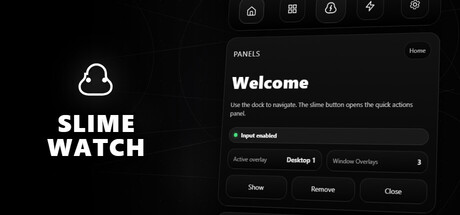
Advanced SteamVR overlay utility: windows & desktop in VR, built-in browser, VR keyboard, profiles, and performance monitoring.