Sill Cats
Downloadable Content
View all 7 DLCs →
Sill Cats - Cat Pack 3
15 July, 2026
A pack of four cats: Calico, Scottish Fold, Black Cat, and Munchkin. All 18 animations included. Requires the free base app.
Sill Cats - Halloween Pack
21 June, 2026
Four slightly mysterious Halloween-exclusive breeds, arriving October 2026. Add to your wishlist to get notified at launch. Requires the base app (free).

Sill Cats - Soccer Ball
17 June, 2026
An upgrade DLC that unlocks a soccer ball selectable from 9 designs and lets you show up to two on screen at once. The more balls there are, the livelier your cats' play becomes.

Sill Cats - National Flag Set
17 June, 2026
A new toy joins Sill Cats: national flags. Place one anywhere on your desktop and the cats gather to play around it — or ignore it depending on their mood, just like cats. To start, we've added the flags of the nations in the soccer world tournament. Raise your favorite and liven up match season!

Sill Cats - Basic Toy Pack
12 June, 2026
Give your cats some toys! More kinds of toys are planned for the future. We're starting with a soccer ball and a cat flag — try placing a rolling ball your cats will love, or a cute flag, anywhere on your screen.
Sill Cats - Cat Pack 1
12 May, 2026
Add 6 new cat appearances to Sill Cats, from shorthair cats to fluffy longhair cats. Includes 18 animations. Requires the free base app.
About this game
Roadmap
We have the following updates planned for the future.
[Feature Additions]
・New cat toys
・New cat behaviors
・New cat breeds
・The ability to name your cats
・An entrance animation when Sill Cats starts up
・The ability to pet your cats
and more
* Planned content may change depending on the state of development.
* More detailed plans are announced on the board in the Community Hub.
About the Game
About This Game
Sill Cats is a stay-on-your-desktop app where little cats move in and make themselves at home.
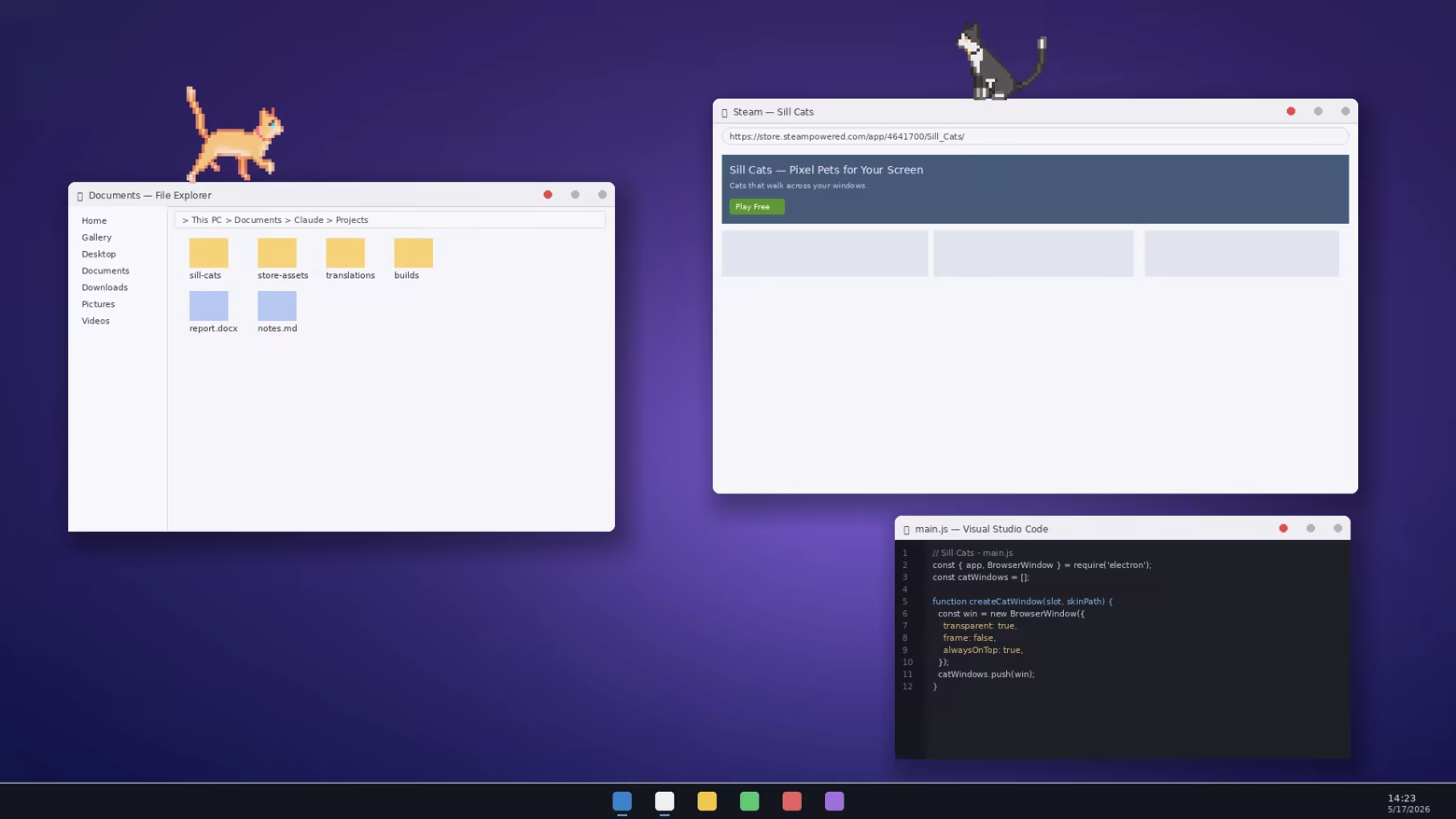
They stroll along the tops of your open windows, curl up and doze off in some quiet corner, and perk up to say “what's that?” whenever your mouse moves. At 2 in the morning they might suddenly tear across the screen at full speed—yes, they get the zoomies, just like the real thing. If you've ever had a cat, you'll know exactly what we mean.
What These Cats Are Like
Your windows are their walking trail — they take a leisurely stroll along the top edges of your open apps
Window to window with a hop — they explore your workspace however they please
Endlessly curious about your cursor — when the mouse moves, they might quietly creep closer… or might not
Click to play with them — one click to get their attention, two to get a reaction, three and they might actually play along
Their mood changes with the time of day — liveliest at dawn and dusk, lazy and sprawled out at midday (that's what "crepuscular" means)
Late-night zoomies — a sudden dash between 1 and 4 AM; consider yourself lucky if you catch it
Plenty of room to roam — no matter how many monitors you have, every one of them becomes their walking trail
They usually stay out of your way, but every now and then they'll pounce on your cursor. Cut them some slack on that—they're cats.
Welcome Two Cats for Free
Sill Cats is free to start. The first two you can welcome in are a sleek Abyssinian and a dapper Tuxedo. If you take a liking to them, you can grow the family with breed packs. Even just deciding which one to bring home next is part of the fun.
By default, one cat appears on screen. If you'd like to welcome two at once, right-click the Sill Cats icon in the Windows system tray and choose from the menu.
About Additional Cats
Purchasing DLC adds more cat looks and breeds to choose from.
Cat Pack 1 — Adds 6 cats, including shorthairs and longhairs.
Cat Pack 2 — Adds 4 bobtail cats with their signature short tails.
DLC adds more cat looks and breeds to choose from.
It does not raise the maximum number of cats that can appear on screen at once.
How to Set Things Up
Changing the cat breed, quitting the app, and adjusting various settings are all done from the Sill Cats icon in the Windows system tray.
Right-click the Sill Cats icon to open the settings menu.
If you can't find the icon, click the “^” button at the bottom-right of the screen to check for hidden icons.
Up to two cats can be shown at once.
* If you find a bug, we'd be very grateful if you'd report it on the board in the Community Hub.
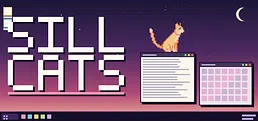
Little cats have moved into your desktop. They stroll along the tops of your windows, pounce on your cursor, curl up somewhere to sleep, and suddenly take off running at 2 in the morning. Enjoy their delightfully cat-like behavior. Welcome two breeds for free.