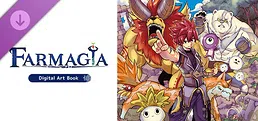
Farmagia - Digital Art Book
About this game
This digital art book contains more than 90 pages of designs by Hiro Mashima and gorgeous illustrations from the game Farmagia.
How to access the art book:
1. Install Farmagia
2. Right-click Farmagia in your Steam Library and go to “Properties”
3. In the Properties window, go to “DLC” and confirm that "Farmagia - Digital Art Book" is installed
4. In the Properties window, go to “Installed Files” and click “Browse...”
5. A file explorer will open with the “FarmagiaArtBook.pdf” file in it!